Less work to do twice
Connect Smoobu to BookNoFees
Manage your properties with Smoobu? Connect your account to BookNoFees to bring across properties, availability and prices. Listing is free, with no platform commission on your host amount. Your other portals stay connected.
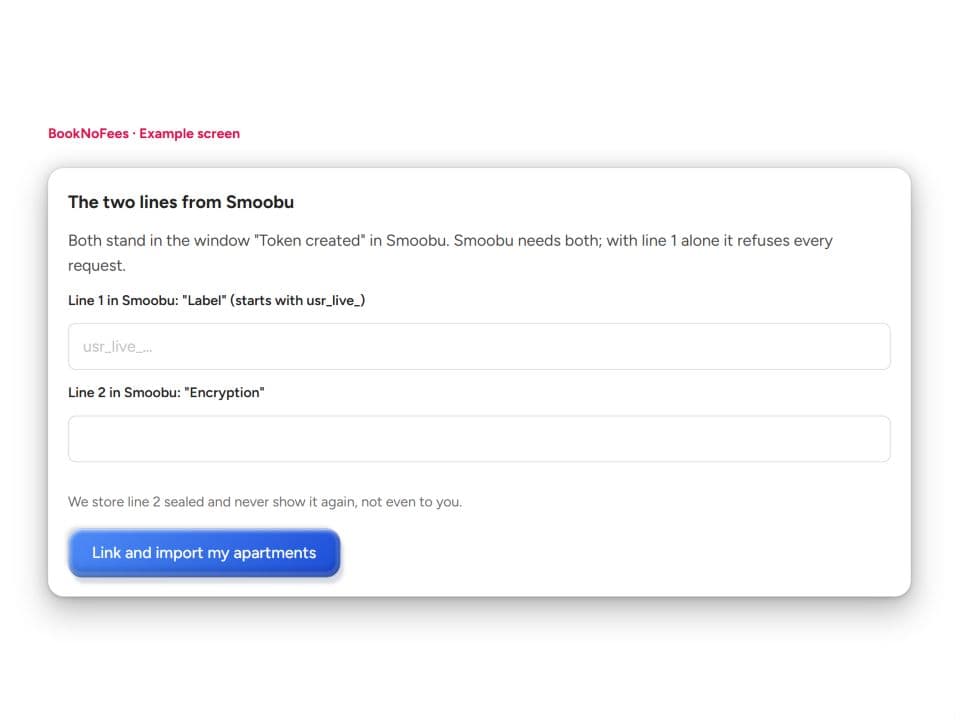
Example BookNoFees screen · no real credentials
The two lines from Smoobu
Both stand in the window "Token created" in Smoobu. Smoobu needs both; with line 1 alone it refuses every request.
- Line 1 in Smoobu: "Label" (starts with usr_live_)
usr_live_…- Line 2 in Smoobu: "Encryption"
- •••• •••• ••••
We store line 2 sealed and never show it again, not even to you.
Set up once
Connect in three steps
In Smoobu, open Advanced → API Keys. Create a separate key for BookNoFees and copy both the API key and the Secret. You need API access in your Smoobu account to use this feature.
Create an API key in Smoobu ↗Open “Connect Smoobu” in your BookNoFees account. Enter the API key and Secret in the two fields. BookNoFees checks the connection before saving the credentials.
Review the imported properties. New properties start as drafts. Matching existing listings are linked; when the match is unclear, choose an existing listing or create a new draft.
Day to day
What the connection handles
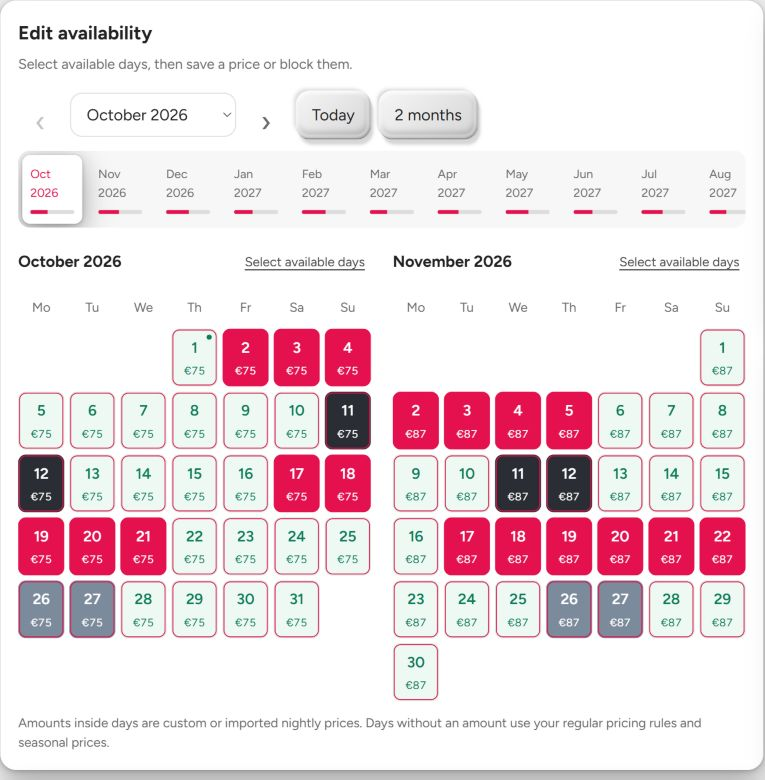
- Availability: BookNoFees imports occupied dates from Smoobu during regular synchronization. Your account shows the last successful sync.
- Bookings: Confirmed BookNoFees bookings and cancellations are sent to Smoobu. Smoobu then passes the updates on to your connected portals.
- Prices: Daily prices supplied by Smoobu apply to the corresponding nights. Make lasting changes to those daily prices in Smoobu.
- Stays: Minimum-stay requirements supplied by Smoobu are imported too. Review your listing’s booking settings after importing.
Synchronization runs automatically, but updates are not instant. Failed transfers are retried. If an error appears, check the connection status; you can also start a sync yourself with “Sync now”.
Complete your listing
Photos and your description
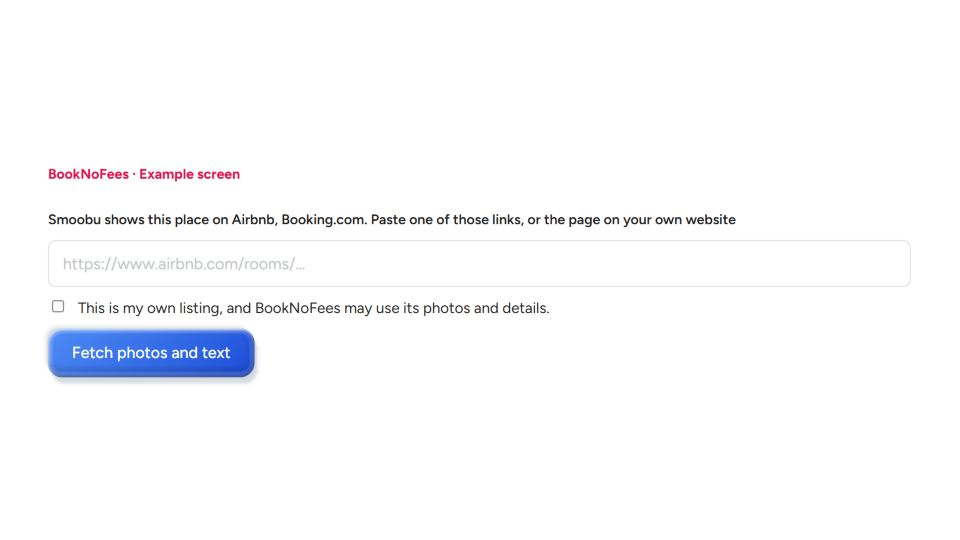
Our Smoobu connection first creates a draft from the available property information. Photos and a description are added afterwards: from your own property website when matching content can be found, or from the link to an existing listing. Check the imported content, your rights to the photos and the exact address. You can fill in missing details yourself. Only a complete listing is submitted for review.
Already listing with us?
When connecting, BookNoFees checks whether a Smoobu property belongs to an existing listing. If the match is unclear, you choose the corresponding listing or a new draft. Check this choice to avoid creating the same property twice.
What it costs
BookNoFees charges no setup fee for the connection and no platform commission on your host amount. Listing is free. The guest sees the cost contribution included in the total price. Any paid Smoobu subscription continues separately.
Your key
BookNoFees uses your API key and Secret for the connection. The Secret is stored encrypted and is not displayed again afterwards. You can disconnect in your account; your listings remain. Check their calendars and prices before accepting further bookings.